
Welcome to the most complete KumoMTA tutorial for 2026. The email infrastructure world has a new powerhouse — KumoMTA. Built by veterans of the email industry (the same team behind PowerMTA), KumoMTA is the first true open-source, modern MTA designed for sending millions of emails per day with enterprise-grade deliverability. If you've been priced out of PowerMTA or want a flexible, code-first MTA, this KumoMTA tutorial is for you.
In this complete KumoMTA tutorial, we'll explore what KumoMTA is, why it's gaining massive traction among ESPs and marketers, how it compares to PowerMTA, and how you can deploy it for your own bulk email operations.
What is KumoMTA?
KumoMTA is a high-performance, open-source Mail Transfer Agent written in Rust. It was created to bridge the gap between expensive commercial MTAs (like PowerMTA) and limited open-source options (like Postfix). This KumoMTA tutorial shows how KumoMTA gives you full programmatic control via Lua scripting, native IP rotation, traffic shaping, and modern observability — all without licensing fees.
- 100% Open Source: Free to use, modify, and self-host.
- Rust-Powered: Memory-safe and blazing fast.
- Lua Scripting: Full control over message routing logic.
- Native Traffic Shaping: Per-ISP throttling out of the box.
- Modern Observability: Prometheus metrics and structured logs.
KumoMTA Tutorial: KumoMTA vs PowerMTA Comparison
Since KumoMTA was built by ex-PowerMTA engineers, it carries the same DNA — but with modern architecture. Any honest KumoMTA tutorial must compare it with the industry leader. Here's a real-world comparison:
| Feature | KumoMTA | PowerMTA |
|---|---|---|
| Licensing | Free / Open Source | Commercial |
| Language | Rust + Lua | C++ |
| IP Rotation | Native (egress pools) | Native (VMTA) |
| Throughput | Millions per hour | Millions per hour |
| Configuration | Lua scripts | Static config |
| Best For | Modern DevOps teams | Established ESPs |
Top KumoMTA Features for High-Volume Senders
1. Egress Pools and IP Rotation
KumoMTA's egress pools let you group multiple sending IPs and rotate them automatically. Perfect for warming up IP ranges or balancing sender reputation across pools.
2. Traffic Shaping Per ISP
Built-in traffic shaping rules let you respect Gmail, Yahoo, Outlook, and other ISP limits without writing complex queue logic. Just configure shaping.toml and KumoMTA handles the rest.
3. Lua-Based Message Hooks
Need to rewrite headers, conditionally route based on the recipient domain, or trigger webhooks on bounces? KumoMTA's Lua hooks make it possible without recompiling anything.
4. Built-in DKIM, ARC, and TLS
Sign emails with DKIM out of the box, manage TLS certificates, and meet the Gmail/Yahoo 2024 sender requirements without third-party add-ons.
🔥 Become a KumoMTA Expert
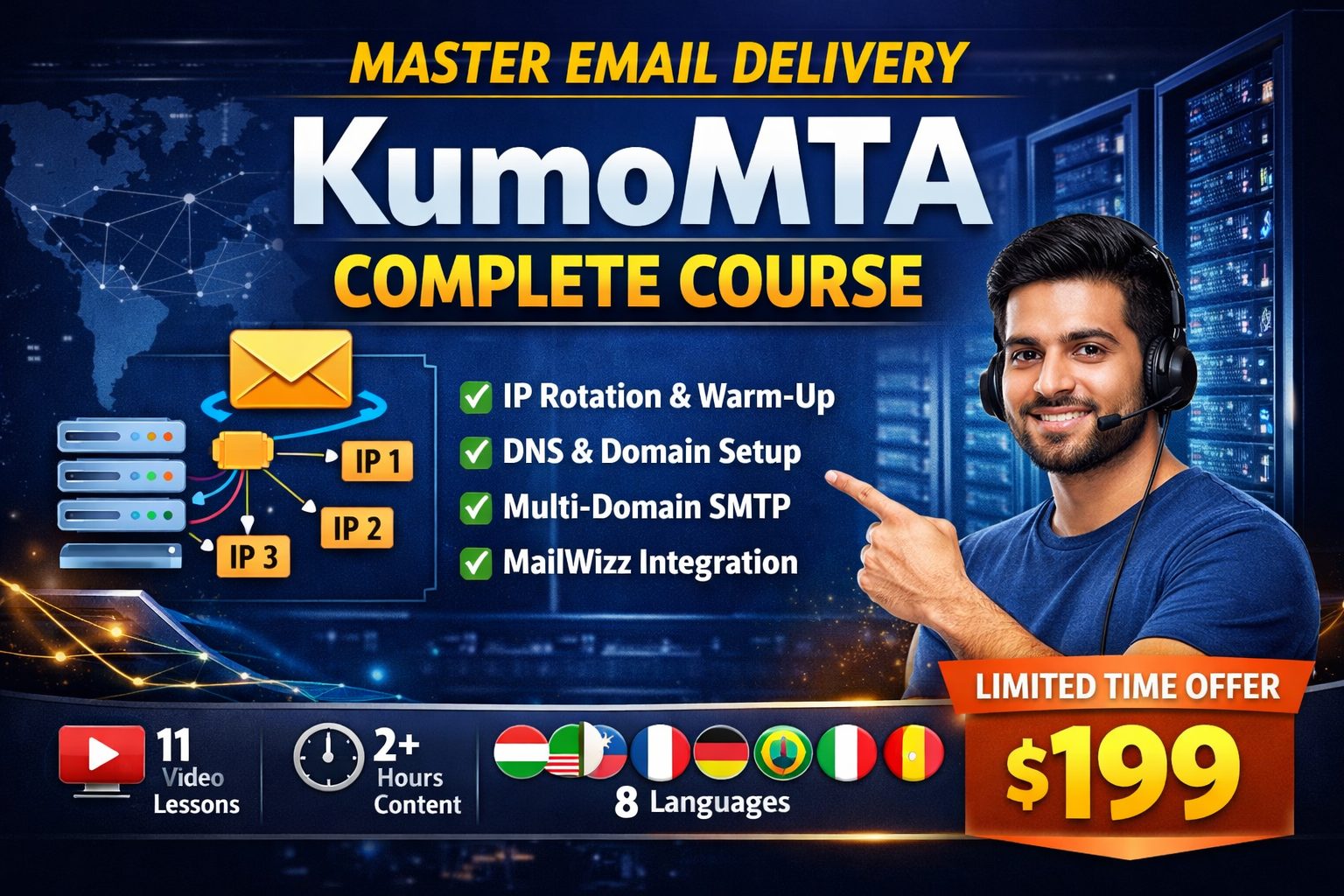
Get the KumoMTA Complete Course — Master Email Infrastructure, IP Rotation & Deliverability with hands-on step-by-step training. Learn Lua hooks, egress pools, shaping, queues, and real-world deployment patterns.
💰 Only $199 — Complete Training
Who Should Follow This KumoMTA Tutorial?
- Email Service Providers (ESPs) looking to reduce licensing costs
- Startups building their own email sending platforms
- Affiliate marketers sending high-volume newsletters
- SaaS companies needing reliable transactional email
- DevOps teams who prefer code-driven infrastructure
System Requirements for KumoMTA
- OS: Ubuntu 22 or 24 LTS, Rocky Linux 9, or Debian 12
- CPU: 4 vCPUs (8 or more for production loads)
- RAM: 8GB minimum, 16GB recommended
- Disk: 100GB SSD (queue storage)
- Network: Static IPs with Port 25 open
KumoMTA Tutorial: How to Get Started (Quick Overview)
- Provision a clean Ubuntu 24 VPS with Port 25 unblocked.
- Install KumoMTA via official APT repository.
- Configure
init.luafor your domains and listeners. - Set up egress pools and shaping rules.
- Add DKIM keys and verify SPF/DMARC alignment.
- Connect your sender app (Mailwizz, custom SMTP relay, etc.).
- Monitor via Prometheus and Grafana dashboards.
Each of these steps has dozens of nuances — from Lua syntax to shaping logic to bounce categorization. We cover every detail in our KumoMTA Complete Course.
Already Know PowerMTA? Here's Why KumoMTA Matters
If you're already comfortable with PowerMTA, switching to KumoMTA is a smart business move. You get equivalent performance with zero licensing fees. The configuration model is different (Lua vs static), but the deliverability mechanics — IP warm-up, bounce processing, throttling — are the same battle-tested patterns this KumoMTA tutorial walks you through.
Still want to learn PowerMTA too? Check out our PowerMTA Tutorial and the PowerMTA Complete Course for advanced VMTA setup and configuration.
KumoMTA Tutorial FAQs
Is KumoMTA really free?
Yes. KumoMTA is open-source under a permissive license. You can self-host it without paying licensing fees. Paid commercial support is optionally available.
Can KumoMTA replace PowerMTA?
For most use cases — yes. Many former PowerMTA customers are migrating to KumoMTA for cost and flexibility reasons.
How fast is KumoMTA?
KumoMTA can comfortably push millions of messages per hour on commodity hardware, with low memory overhead thanks to Rust.
Does KumoMTA work with Mailwizz?
Yes. KumoMTA acts as the outgoing SMTP relay for tools like Mailwizz, Sendy, Postal frontends, and custom apps.
Conclusion: KumoMTA is the Future of Email Infrastructure
KumoMTA is the most exciting development in the email infrastructure space in years. It combines the deliverability heritage of PowerMTA with the openness and flexibility of modern open source. If you're building or scaling an email-sending business in 2026, this KumoMTA tutorial proves it deserves serious consideration.
🚀 Master KumoMTA — The Right Way
Skip months of trial & error. Learn KumoMTA setup, IP rotation, Lua scripting, and ISP shaping with our hands-on step-by-step course.