


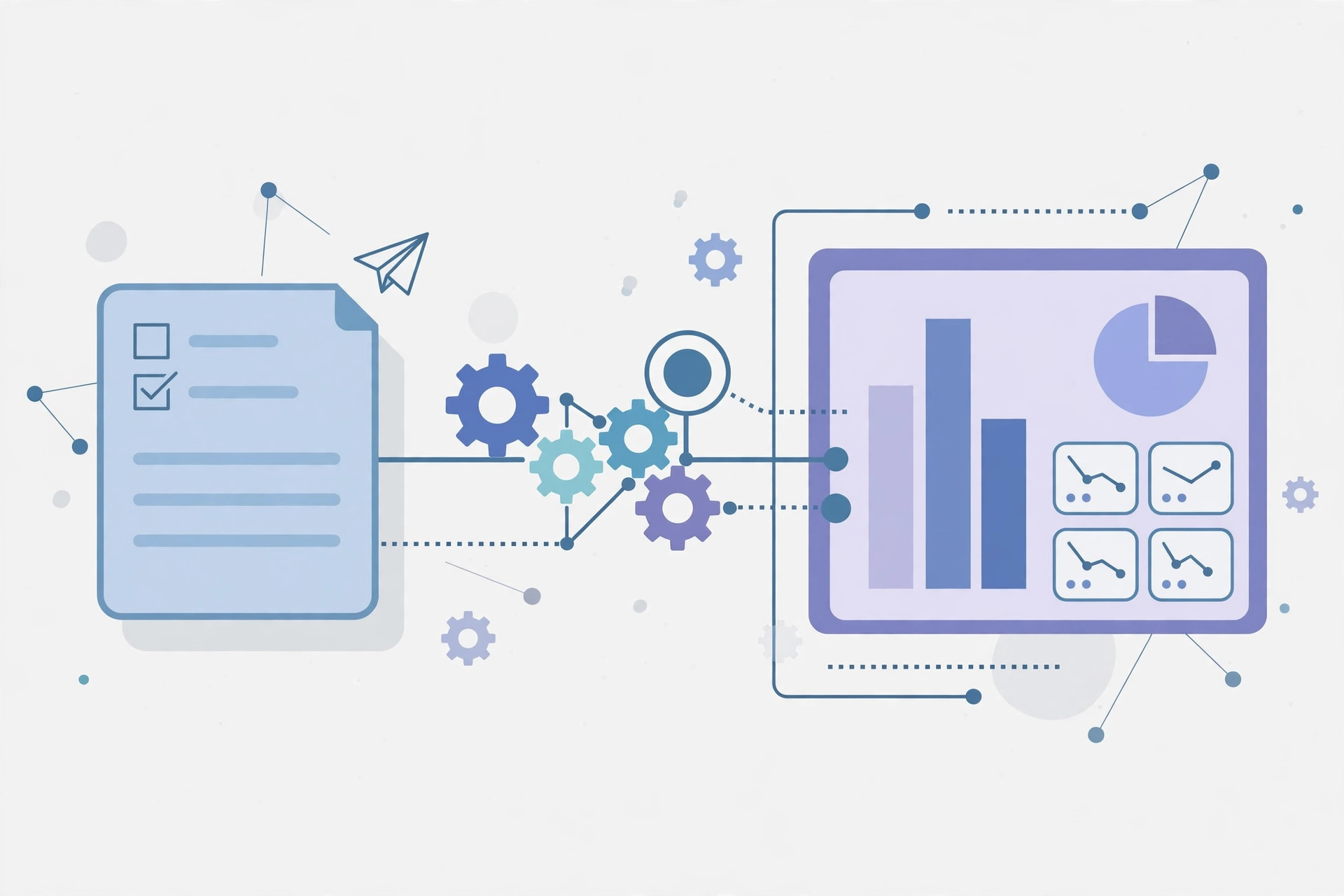
Manual lead generation is slow, repetitive, and easy to get wrong. You copy contacts from a form into a spreadsheet, look each company up by hand, guess which leads matter, and forget to follow up. n8n lead generation fixes all of that: the open-source automation tool captures leads the moment they appear, enriches them with AI, scores them, and routes them to your CRM while you sleep. In this guide, you will build a complete automated lead pipeline with n8n, step by step.
Why Automate Lead Generation With n8n?
Most lead tools charge per contact or per seat, and they lock your data into their platform. n8n is self-hosted and open source, so you own the workflow and the data. You can connect forms, websites, LinkedIn scrapers, email inboxes, and ad platforms to CRMs like HubSpot, Pipedrive, or a simple Google Sheet, without paying a monthly fee per lead. Because n8n runs on your own server, it also scales cheaply: a small VPS from Contabo can comfortably run dozens of lead workflows around the clock.
Speed matters too. Studies consistently show that responding to a lead within five minutes dramatically improves conversion. An automated workflow responds instantly, every time, even at 3 AM. No lead ever sits unread in an inbox over the weekend again.
What You Need Before You Start
You need three things: a running n8n instance (self-hosted on a VPS or n8n Cloud), a lead source (a website form, a Typeform, a Facebook Lead Ad, or a scraping workflow), and a destination (a CRM, a spreadsheet, or an email sequence). You also need API credentials for the services you connect. n8n stores these securely, and most popular services have ready-made nodes, so you rarely write code.
Building the n8n Lead Generation Workflow
Step 1: Capture Leads With a Trigger
Start with a trigger node. The Webhook node catches form submissions from your website, the Form Trigger node builds a hosted form inside n8n itself, and service-specific triggers catch Facebook leads or new rows in a sheet. Whatever the source, the trigger fires the moment a lead appears — that instant response is the whole point.
Step 2: Clean and Validate the Data
Raw lead data is messy. Use the Edit Fields and Code nodes to trim whitespace, normalize phone numbers, and drop obvious spam. Add an email validation step — either a validation API or a simple check against disposable domains — so bad addresses never reach your CRM or your email campaigns. Clean data is what keeps your sender reputation intact when you later email these leads.
Step 3: Enrich Leads With AI
This is where the workflow gets powerful. Send the company name and website to an AI node (OpenAI, or a self-hosted model) and ask it to return the industry, company size, and a one-line description. You can also enrich with a data API such as Clearbit or Apollo for firmographics. AI enrichment turns a bare name and email into a qualified prospect profile in seconds.
Step 4: Score and Route the Lead
Not all leads deserve the same attention. Use an IF node or a scoring formula: add points for target industries, company size, and job titles like founder or head of marketing, and subtract points for free email addresses or irrelevant regions. Hot leads go straight to your CRM and trigger a Slack notification or an instant email to sales. Warm leads enter a nurture sequence. Cold leads stay in a list for later campaigns.
Step 5: Follow Up Automatically
Connect the workflow to your email tool or CRM sequence so the first follow-up goes out within minutes. Personalize it with the enriched data — mention the prospect's industry or a recent detail — so the message reads like a human wrote it. Then log every step back to the CRM so sales always sees the full history.
Common Mistakes to Avoid
First, do not automate spam. Scraping personal emails without consent and blasting them will destroy your domain reputation and may break the law in your region. Automate inbound leads and consented sources, and keep outreach targeted. Second, do not skip validation — one bad list can get your sending domain blocklisted. Third, monitor your workflows: set up error notifications in n8n so a broken API key does not silently stop your pipeline for a week.
Key Takeaways
- n8n lead generation captures, cleans, enriches, scores, and routes leads automatically, 24/7.
- Self-hosting n8n keeps your data yours and your costs low compared with per-seat lead tools.
- AI enrichment turns a bare form submission into a qualified prospect profile in seconds.
- Score leads and route hot ones to sales instantly; speed of response is the biggest conversion lever.
- Validate emails and respect consent rules to protect your sender reputation.