


Setting up n8n ai agents is the fastest way to move from simple automation to workflows that can actually think, decide, and act on their own. Unlike a rigid chain of if/then nodes, an n8n AI agent combines a large language model with tools — webhooks, databases, APIs — and lets the model decide which tool to call at each step. In this practical guide, you will learn how AI agents work in n8n and build three real examples: an email triage agent, a support ticket responder, and a content research assistant.
How n8n AI Agents Actually Work
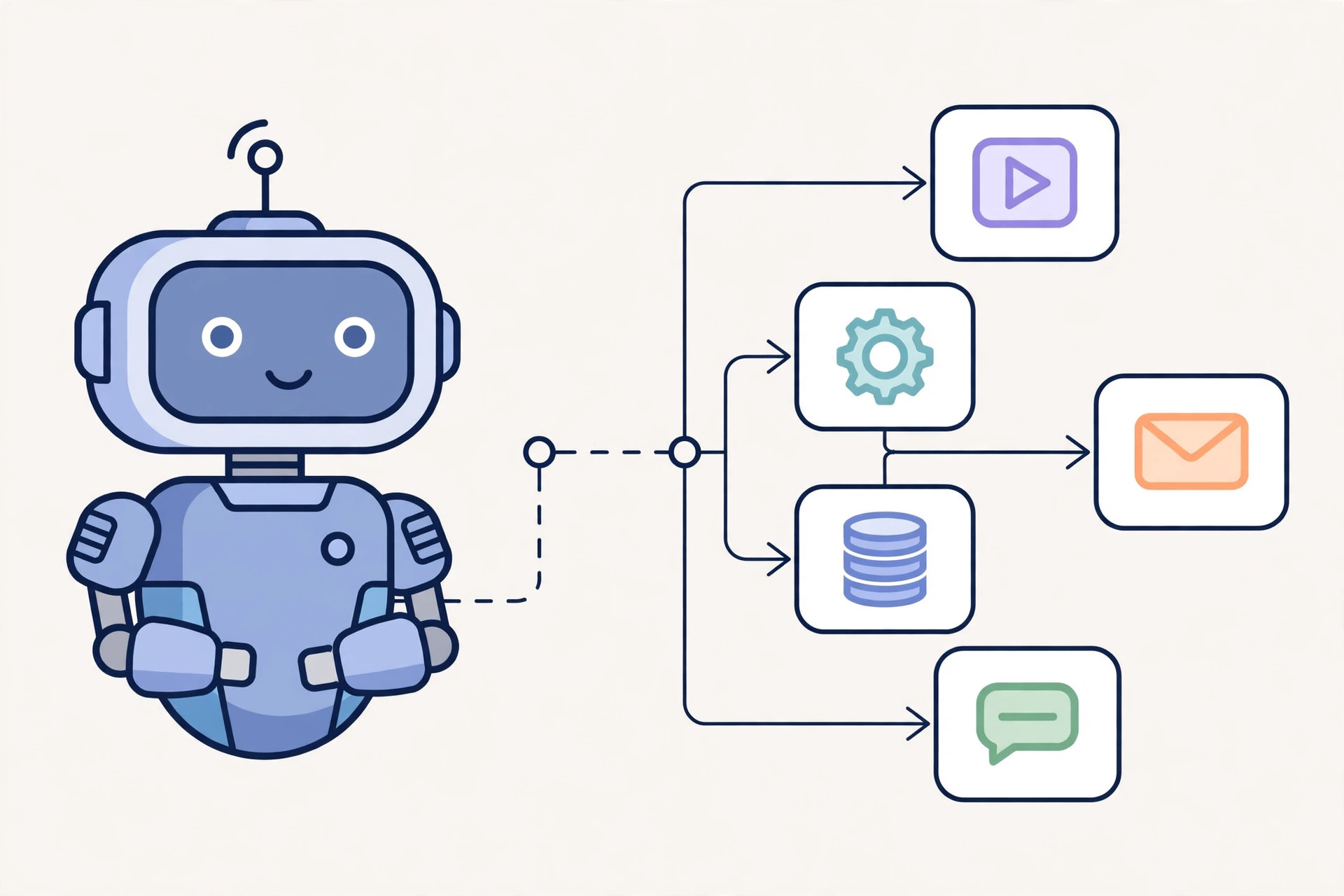
At its core, an AI agent in n8n is a loop: the Agent node receives input, sends it to a language model (OpenAI, Anthropic, Groq, or a local model via Ollama), and the model picks one of the connected tools — like an HTTP request, a database query, or a sub-workflow — to take action. The result comes back to the model, which either calls another tool or produces a final answer. This tool-calling loop is what separates n8n ai agents from plain prompt-based workflows.
Since n8n is self-hosted and open-source, you keep full control over your data — nothing is routed through a third-party automation cloud. That matters when your agents handle customer emails, internal tickets, or anything with sensitive information.
Prerequisites
To follow along, you need a running n8n instance (version 1.0 or newer) and an API key for at least one LLM provider. If you plan to run agents 24/7, host n8n on a cheap VPS rather than your laptop — a small VPS with 2 vCPUs and 4 GB RAM is plenty for most agent workloads. If you want an affordable place to self-host, Contabo offers solid budget VPS plans, and DartNode is another low-cost option for running Docker-based services like n8n around the clock.
Example 1: Email Triage Agent
This is the classic first agent. It reads new emails, classifies them as urgent, support, sales, or spam, and takes action — forwarding urgent ones to you and auto-replying to the rest with a relevant draft.
Building the workflow
1. Add a Gmail Trigger (or IMAP Trigger) that fires on every new email.
2. Add an AI Agent node. Set the system prompt to something like: “You are an email triage assistant. Classify each email as URGENT, SUPPORT, SALES, or SPAM, then take action.”
3. Connect two tools to the agent: an HTTP Request tool labeled “forward_to_owner” that posts the email to a webhook (or sends it to your Slack), and a Gmail tool labeled “send_reply” that drafts and sends responses.
4. Connect an OpenAI or Anthropic chat model to the agent node and define a structured output parser so the agent returns JSON like {"category": "SUPPORT", "action": "replied"}.
The beauty here is that the agent handles the messy middle. A human writes brittle regex rules; the agent reads tone, detects sarcasm, and catches the angry-but-polite customer your rules would have missed.
Example 2: Support Ticket Responder
This agent watches your helpdesk, answers tickets it can resolve from your knowledge base, and escalates the rest with a summary attached.
Building the workflow
1. Trigger: a webhook from your ticketing system (or a schedule node polling an API).
2. Add a Vector Store tool — connect a Pinecone, Qdrant, or Supabase vector store loaded with your docs, FAQs, and past resolutions.
3. The AI Agent node gets a system prompt: “Answer the ticket using only the knowledge base. If you cannot answer with confidence, escalate and summarize.”
4. Tools: query_knowledge_base (vector store), post_reply (ticket API), escalate_ticket (assign to a human queue).
This pattern is one of the most productive n8n ai agents you can run: retrieval-augmented generation combined with escalation logic. Start with a conservative confidence threshold and review escalations weekly — the agent's answers improve as you feed corrected tickets back into the vector store.
Example 3: Content Research Assistant
This agent researches a topic every morning, summarizes the findings, and drops a briefing into your inbox or Notion database — perfect for staying current on fast-moving topics like email deliverability.
Building the workflow
1. Trigger: a Schedule Trigger set to run daily at 7 AM.
2. Tools: a Tavily or Serper search tool for web research, and a Notion or Google Docs tool for saving the output.
3. System prompt: “Research the given topic. Find 5 recent sources, summarize each in 3 sentences, and write a 300-word briefing with the key points.”
4. Add a memory (window buffer memory) so the agent remembers what it already covered and doesn't repeat yesterday's briefing.
Best Practices for n8n AI Agents
Start with narrow tools, not narrow prompts
Agents fail when they have 15 vague tools. Give each tool one job, a clear name, and a precise description. The model picks tools based on their descriptions, so “get_order_status” beats “fetch_data”.
Always add guardrails
Cap the max iterations on the Agent node (10–15 is sane), add a fallback node for errors, and log every tool call. For any agent that sends messages externally, route the first week of output to yourself for approval before it goes live.
Watch your token costs
Agent loops burn tokens fast. Use cheaper models for classification and triage (GPT-4o-mini or a local Llama via Ollama), and reserve flagship models for work that needs real judgment. Self-hosting the model alongside n8n on the same VPS keeps latency low and data private.
Common Mistakes to Avoid
The biggest mistake is giving the agent too much autonomy on day one. Let it draft but not send; let it classify but not delete. The second mistake is skipping structured output — free-text answers from agents are a parsing nightmare downstream. Always attach an output parser. Finally, don't forget persistence: give agents a memory or database so multi-step work survives a workflow restart.
Key Takeaways
- n8n ai agents combine an LLM with tools in a decision loop — they decide what to do next instead of following a fixed path.
- The most practical starter agents are email triage, support ticket resolution with a knowledge base, and automated research briefings.
- Give each tool one clear job with a descriptive name, cap agent iterations, and always add human approval for external-facing actions.
- Self-hosting n8n on a small VPS keeps agent data private and costs far less than cloud automation platforms at scale.
- Use structured output parsers on every agent so downstream nodes get reliable JSON, not free text.
Related Guides
If you're planning to run agents 24/7, you'll need reliable hosting first — see our best VPS providers guide for cheap, automation-friendly servers. And if your agent sends or processes email (like the triage example), our tutorial on how to install PowerMTA on Ubuntu covers setting up a proper mail server for outbound agent notifications.