


If you self-host n8n, you already have a surprisingly capable form builder hiding inside your automation stack. The n8n form trigger lets you spin up no-code web forms in minutes and pipe every submission straight into a workflow — no Typeform subscription, no Google Forms, and no third-party SaaS ever touching your data. In this guide you will learn what the trigger does, how it differs from a webhook, how to build a form step by step, what to do with submitted data, and why self-hosting keeps form collection private.
What Is the n8n Form Trigger?
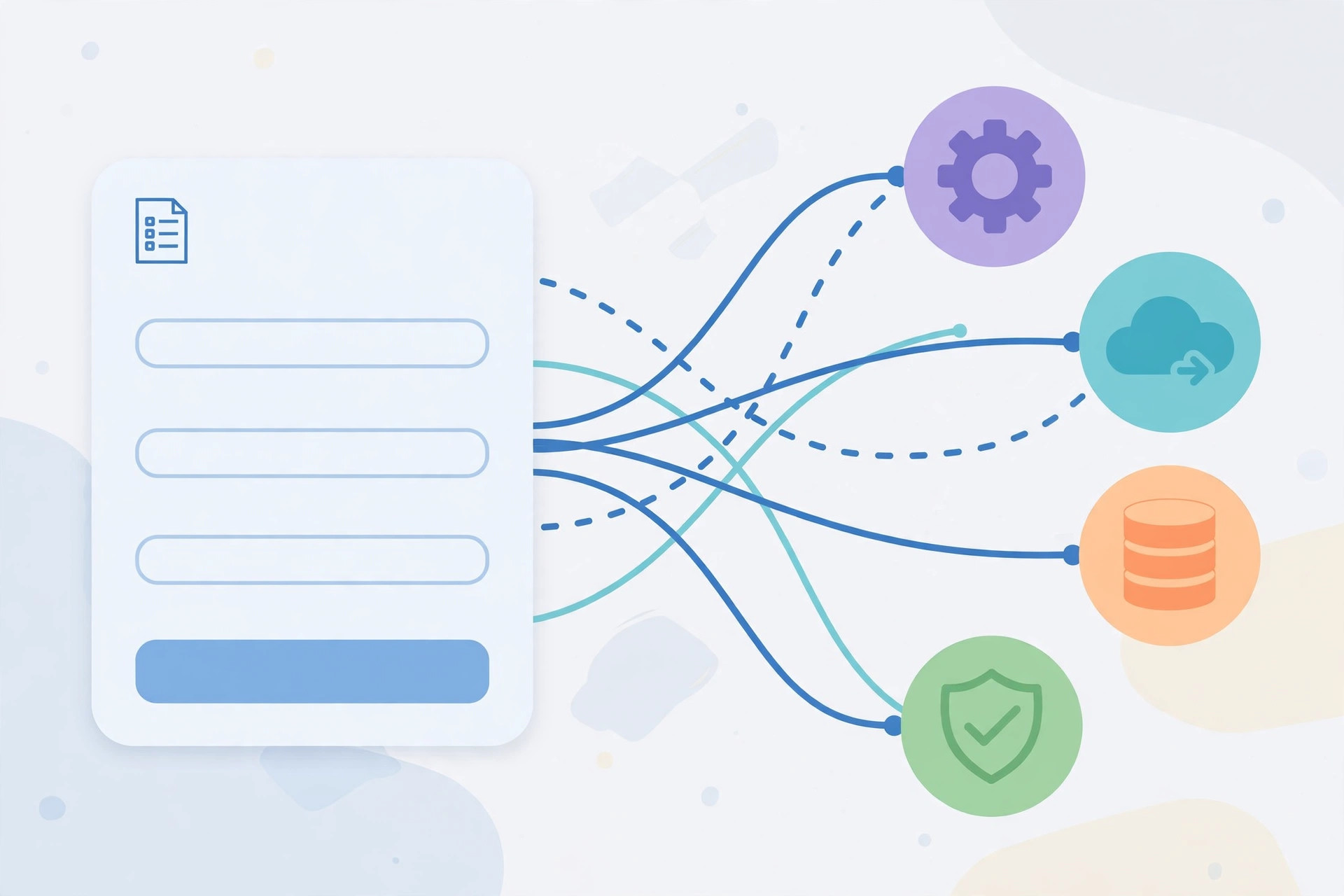
The n8n form trigger is a trigger node that generates a public, shareable URL hosting a real HTML form. When someone fills in that form and hits submit, your workflow starts instantly, with every field value available as structured JSON for downstream nodes. n8n renders the form for you, so there is nothing to code: you pick field types such as short text, long text, email, number, dropdown, checkboxes, radio buttons, date, and file upload, mark fields required or optional, and n8n handles the page, validation, and submission handling.
Because the trigger is part of your own n8n installation, the form lives on your domain (or your n8n subdomain) and submissions land directly in your workflow execution data. That makes it ideal anywhere a human needs to hand structured data to an automation — contact forms, lead capture, request intake, and bug reports.
n8n Form Trigger vs Webhook: When to Use Each
n8n already has a Webhook trigger — the rule for choosing is simple: webhooks are for machines, form triggers are for humans.
- Use the Form Trigger when a person needs to type something into a browser — a contact form, a quote request, an employee onboarding intake, a support ticket form. You get a usable UI for free.
- Use the Webhook Trigger when another system sends data programmatically — a payment gateway callback, a GitHub event, a server-side POST from your own app. No human ever sees a form.
Under the hood the form trigger actually submits to an n8n endpoint much like a webhook would, but it saves you from building and hosting the HTML page yourself.
Step-by-Step: Building Your First Form with the n8n Form Trigger
Here is a complete walkthrough. You need a running n8n instance — self-hosted with Docker is the most common setup for this, and it should be reachable over HTTPS so browsers accept the form page.
Step 1: Add the Form Trigger Node
Create a new workflow and add the n8n form trigger node as the first step. In the node settings you will see options for the form title, description, and the list of form fields. Keep the workflow inactive — n8n gives you a test URL to preview the form in your browser.
Step 2: Define Your Form Fields
Click “Add Field” for each input you need — a text field for name, an email field with built-in validation, and a multiline text field for the message. Mark the essentials required and add help text where needed.
Step 3: Preview and Test the Form
Open the test URL from the trigger node in a private browser window. Fill it in and submit. In n8n, execute the trigger step and confirm the values appear as JSON — {{$json.name}}, {{$json.email}}. Every later node reads the data through those expressions.
Step 4: Activate and Share the Production URL
Once the form works, activate the workflow. n8n switches the trigger to its production URL — this is the link you embed on your website, share in emails, or turn into a QR code. The test URL stops working after activation, so test data never pollutes real runs.
Customizing the Form Completion Page and Redirects
A form that goes silent after submit feels broken. The n8n form trigger lets you control exactly what happens next. The simplest option is a completion screen: a “thank you” message rendered on your n8n domain, which supports basic HTML for branding and next steps.
The more powerful option is a redirect: send visitors to any URL after submission — a thank-you page on your main site, a booking calendar, or a download link. Redirects are great for marketing flows because the visitor lands back on your property where analytics and pixels live. Tip: personalize the follow-up email with submitted values instead of cramming personalization into the completion page.
Using Submitted Data Downstream: A Practical Example
Once the n8n form trigger fires, the submission is just JSON flowing through your workflow. A classic contact-form pattern looks like this:
- Form Trigger collects name, email, and message.
- IF node checks for spam (for example, reject messages containing URLs, or require a minimum message length).
- Send Email node (SMTP) notifies you instantly with the submission details.
- Google Sheets / database node logs every submission for your records.
To send those notification emails reliably you need an SMTP relay with a clean sender reputation — many self-hosters run their own mail server for exactly this. Our guide to installing PowerMTA on Ubuntu walks through setting one up. And since n8n must run 24/7, a VPS from Contabo is a popular low-cost home for it — your form URLs stay online even when your laptop is off.
Beyond email, you can create helpdesk tickets, post to Slack or Telegram, enrich leads via API, or kick off a drip sequence — all without touching the form itself.
Self-Hosting n8n: Keeping Form Data Private
Here is the part most form SaaS products hope you never think about: every submission to a hosted form builder is stored on someone else's servers, often in another jurisdiction, under their privacy policy. When the n8n form trigger runs on your own server, submissions travel from the visitor's browser straight to your database — no intermediary and no tracking pixels you did not add.
For privacy-sensitive forms — client intake, HR applications, health-adjacent questionnaires — that difference matters. Harden the setup with HTTPS, editor-only authentication (form URLs stay public), automated database backups, and a retention policy for old executions.
Key Takeaways
- The n8n form trigger turns n8n into a no-code form builder: shareable URL, rendered HTML form, submissions delivered as JSON into your workflow.
- Use the form trigger for humans filling in browsers; use the webhook trigger for machine-to-machine POSTs.
- Build forms in four steps: add the trigger node, define fields, preview with the test URL, then activate and share the production URL.
- Control the post-submit experience with a branded completion screen or a redirect back to your own site.
- Route submissions downstream — spam filtering, instant email alerts, logging to a sheet or database, and chat notifications.
- Self-hosting keeps form submissions on your own infrastructure, which is the simplest way to guarantee data privacy.
Related Guides
- Best VPS Providers with Open Port 25 — pick a VPS to host n8n (and your mail server) around the clock.
- How to Install PowerMTA on Ubuntu — set up your own SMTP relay so n8n's notification emails land in inboxes, not spam.
- How to Install Zimbra Mail Server on CentOS 7 — a full mail server alternative if you want mailboxes alongside your automation.