


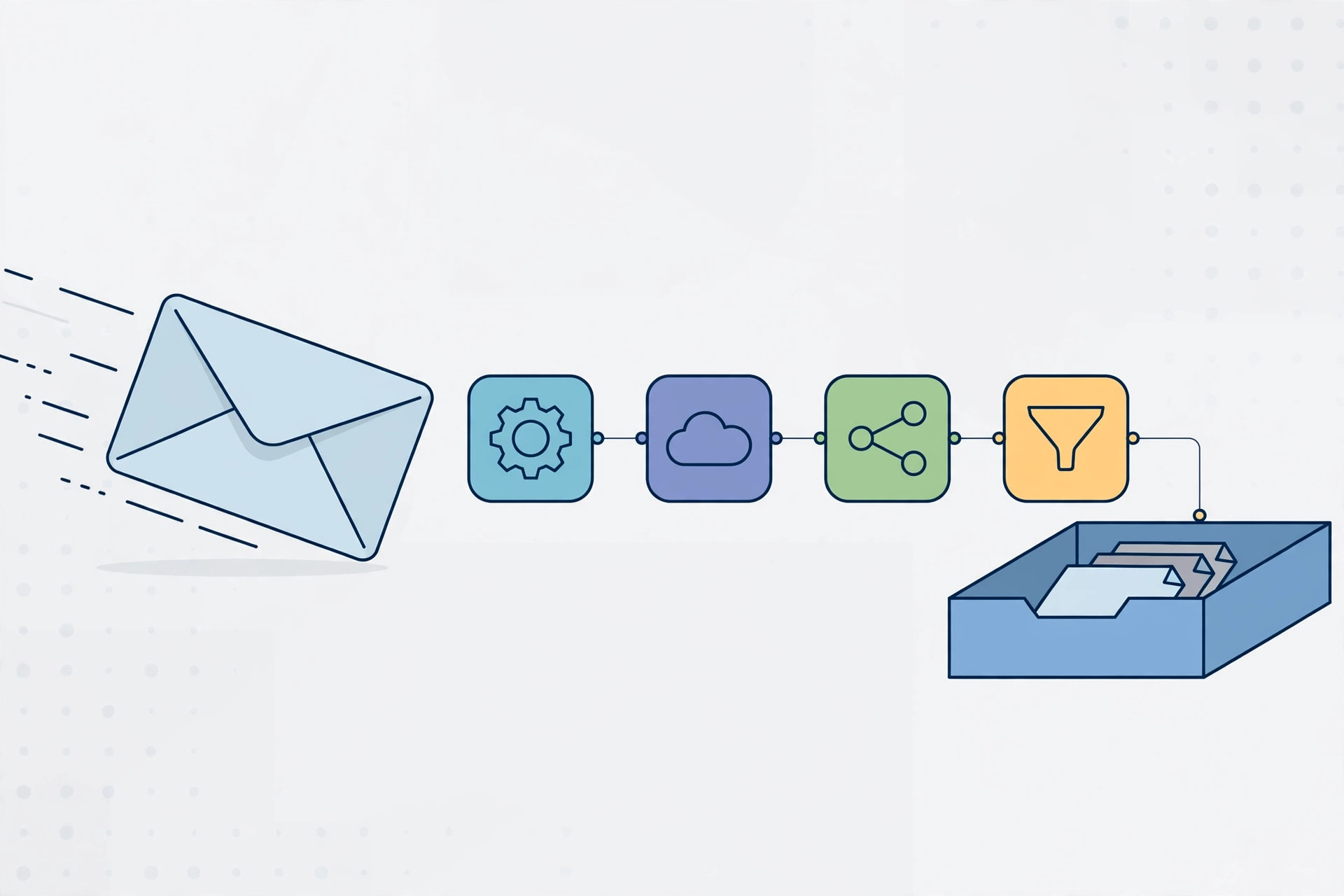
Manually sending follow-ups, onboarding sequences, and lead-nurturing emails does not scale — but expensive marketing platforms are not the only alternative. With n8n email automation, you can build sophisticated campaigns on your own server for a few dollars a month: scheduled sends, personalized content, AI-written copy, and proper throttling. This guide shows you how to build it from scratch.
What You Need for n8n Email Automation
Three ingredients: a self-hosted n8n instance (a $6/month VPS from Contabo running Docker is plenty), an SMTP backend to actually deliver the mail, and a contact list with consent to email. For the SMTP side, you can use your own PowerMTA or Postfix server, a transactional service like Amazon SES, or even a Gmail account for tiny volumes. Self-hosting both n8n and the mail server gives you total control over cost and deliverability.
Step 1: Set Up Your SMTP Backend
In n8n, go to Credentials → New → SMTP and enter your mail server's host, port, username, and password. Use port 587 with STARTTLS for submission. Send a test email from the credential screen before building anything — most n8n email automation failures trace back to SMTP settings, not the workflow. If you are running your own MTA, make sure SPF, DKIM, and DMARC records are published for your sending domain first; without them, your campaigns land in spam regardless of how good the workflow is.
Step 2: Build Your First n8n Email Automation Workflow
Create a new workflow with this structure:
- Schedule Trigger — run daily at 9 AM, or use a Webhook Trigger for event-driven sends (new signup, abandoned cart).
- Read contacts — pull your list from Google Sheets, Airtable, Postgres, or a CSV with the appropriate node.
- Filter — an IF node skips unsubscribed or already-contacted addresses. Never email without consent.
- Send Email node — select your SMTP credential, set From/To/Subject, and write the body with expressions like
{{ $json.first_name }}for personalization. - Log results — write sent status and timestamps back to your sheet or database so the next run skips them.
Test with your own address first, then a small seed list, before pointing this n8n email automation workflow at real contacts.
Step 3: Personalize at Scale with AI
This is where n8n pulls ahead of basic autoresponders. Add an OpenAI node before the Send Email step that takes each contact's company, role, and recent activity and writes a custom opening line or subject variant. Chain it with a second AI call that scores lead quality, then branch: hot leads get the personal version, cold leads get the template. AI personalization routinely doubles reply rates compared to static templates — and it costs fractions of a cent per email.
Step 4: Add Throttling and Error Handling
Blasting 10,000 emails in five minutes is how IPs get burned. Insert a Wait node (a few seconds between sends) or a Loop with batching so your n8n email automation sends at a steady, human-like pace — start with 30–50 emails per hour per mailbox and ramp up over weeks. Add an Error Trigger workflow that notifies you on SMTP failures, and a retry branch for temporary bounces. Throttling plus warm-up is the difference between a campaign that converts and a domain that gets blacklisted.
Deliverability Rules You Can't Skip
- Authenticate everything: SPF, DKIM, and DMARC are mandatory in 2026 — Gmail and Yahoo reject unauthenticated bulk mail outright.
- Warm up new domains and IPs: start with tens of emails per day, not thousands.
- Clean your list: remove hard bounces immediately; verify addresses before first contact.
- Honor unsubscribes instantly: include a working unsubscribe link and process requests the same day.
- Monitor reputation: check Google Postmaster Tools and blacklist monitors weekly.
Scaling Up: From Hundreds to Thousands of Emails
Once your n8n email automation workflow is stable at low volume, scale deliberately. Add a second sending domain and mailbox, then split traffic across them with a Switch node — no single domain should carry your entire reputation risk. Move contact data from Google Sheets to Postgres once you pass a few thousand rows; the Postgres node handles concurrent reads far better. Finally, build a simple dashboard: push send, open, and bounce counts to a sheet or Grafana so you can spot deliverability dips before they become blacklistings. Scale the infrastructure alongside the volume and your automation grows without surprises.
Key Takeaways
- n8n email automation replaces expensive ESPs with self-hosted workflows: trigger → contacts → filter → personalize → send → log.
- A reliable SMTP backend with SPF/DKIM/DMARC matters more than any workflow trick — fix deliverability first.
- AI nodes for personalization and lead scoring dramatically lift reply rates at negligible cost.
- Throttle sends and warm up gradually; speed is the fastest way to burn a domain.
- Track every send and honor unsubscribes to stay compliant and keep your sender reputation clean.
Related Guides
- How to Install PowerMTA on Ubuntu 24.04 — the ideal self-hosted SMTP backend for your workflows.
- Best Open Port 25 VPS Providers in 2026 — email-friendly VPS hosts for n8n + mail server stacks.
- How to Install Zimbra Mail Server — full mail platform if you need mailboxes too.