


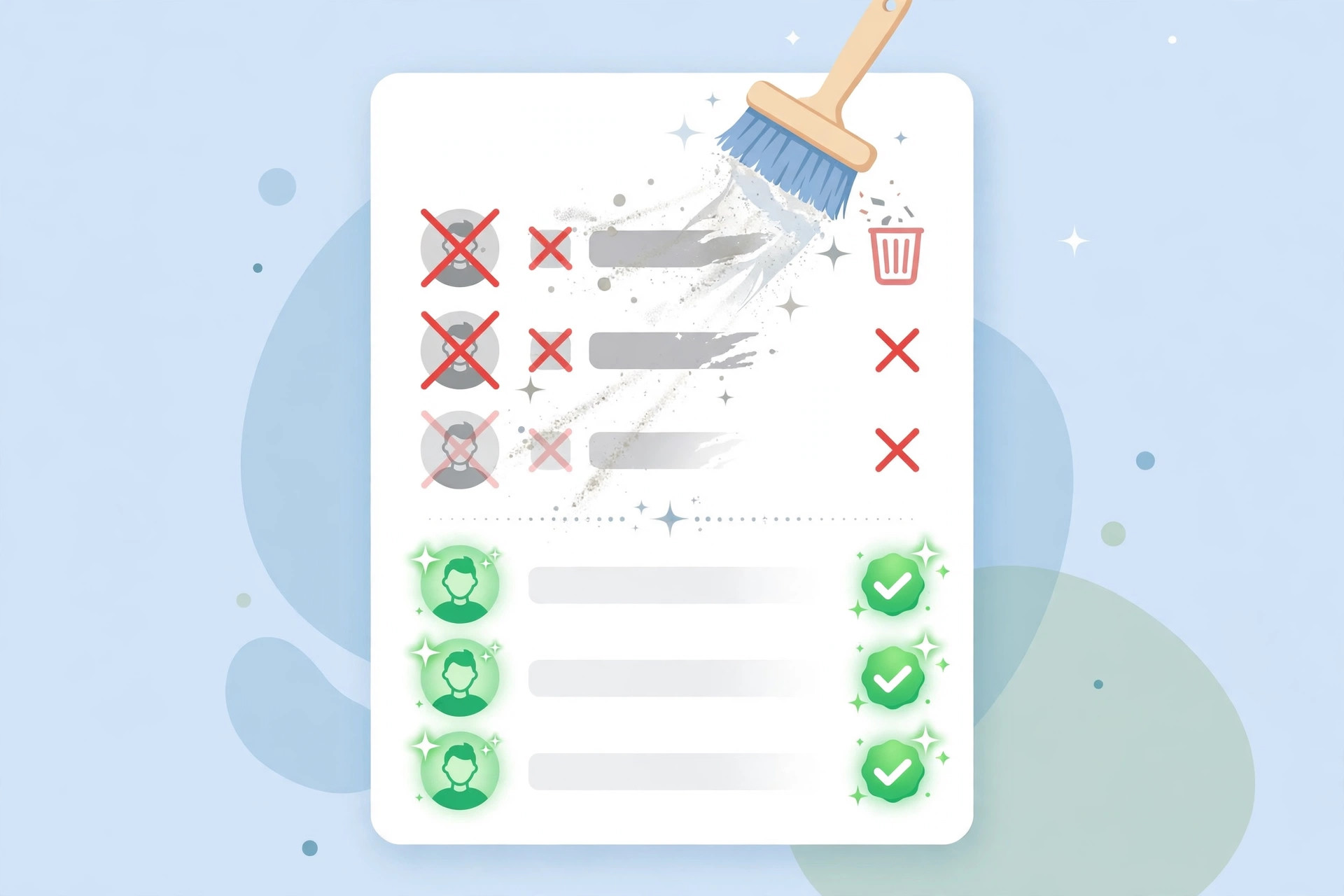
If your open rates are sliding and more of your mail lands in spam, the problem is probably not your subject lines. It is your list. Email list cleaning is the unglamorous maintenance work that decides whether mailbox providers like Gmail and Outlook trust you — and it is the single highest-leverage deliverability fix most DIY senders skip.
Why Email List Cleaning Matters for Deliverability
Mailbox providers score your reputation on three signals, and all three are directly affected by list hygiene:
1. Bounce rate
Every hard bounce — an address that no longer exists — tells Gmail that your list is stale. Sustained bounce rates above roughly 2% will start to hurt your sender reputation, and above 5% you can expect bulk-folder placement or throttling. Cleaning out dead addresses is the fastest way to pull your bounce rate back into the safe zone.
2. Spam traps
Spam traps are addresses planted by blocklist operators and mailbox providers to catch careless senders. They typically end up in lists that are old, scraped, or purchased. Hitting even a few pristine traps can land your IP on Spamhaus or lower your domain reputation for weeks. Regular list cleaning is the only reliable defense — you cannot manually spot a trap.
3. Engagement signals
Gmail and Outlook watch how recipients interact with your mail. Large numbers of unopened, undeleted messages signal that your audience does not want your content, and providers respond by routing more of it to spam. Removing chronically inactive subscribers protects the engagement rate of the subscribers who actually read you.
What to Remove From Your List
Not every address deserves deletion, but these categories should be on your removal shortlist:
- Hard bounces: invalid, nonexistent, or blocked-permanently addresses. Remove immediately after the first confirmed hard bounce.
- Repeated soft bounces: a mailbox-full or temporary-failure address that has bounced 3–5 campaigns in a row is effectively dead. Cut it.
- Inactive subscribers: no opens or clicks in 6–12 months (shorter for high-frequency senders). Do not delete blindly — run a re-engagement campaign first (see below).
- Role addresses: info@, sales@, support@ are more likely to complain and almost never engage as individuals. Segment them out or drop them.
- Disposable and typo domains: addresses from temporary-mail services, plus obvious typos like gmaill.com or yaho.com. Verification tools catch these automatically.
- Complainers and unsubscribes: anyone who marked you as spam must be suppressed permanently — mailing them again is a fast track to blocklist problems.
Email List Cleaning Tools: Paid vs. Self-Hosted
Bulk verification services do the heavy lifting: syntax checks, domain/MX validation, disposable-domain detection, and SMTP-level mailbox probing without sending an actual email.
Paid verification services
Well-known options include NeverBounce, ZeroBounce, BriteVerify, and Emailable. They typically charge per verification credit and can process tens of thousands of addresses per hour. Most flag each address as valid, risky (catch-all or accept-all domains), or invalid, and many detect known spam-trap fingerprints. For a first cleanup of an old list, running it through one of these services once is money well spent.
Self-hosted and open-source options
If you verify lists regularly, the per-credit cost of paid services adds up. Open-source verifiers and self-written SMTP verification scripts let you check syntax, MX records, and mailbox existence yourself — the main cost is a server with a clean IP, since verification servers do their own SMTP handshakes and need decent reputation. If you already run your own sending infrastructure, a cheap VPS from Contabo is plenty for hosting a verification worker alongside your mail tools. Self-hosted verification takes more setup, but it pays for itself quickly at volume.
How Often Should You Clean Your List?
There is no single schedule, but these guidelines work well in practice:
- Continuously: remove hard bounces after every campaign — automate this with bounce processing in your MTA or mailing software.
- Quarterly: run full email list cleaning on your entire database if you collect new subscribers daily. Quarterly is the sweet spot for most senders.
- Before any big campaign: launching to a cold or old list without verifying it first is the most common way DIY senders destroy their reputation overnight.
- At the point of signup: validate addresses in real time with a verification API or double opt-in. Catching typos and fake addresses at signup is ten times cheaper than cleaning them later.
A Practical Email List Cleaning Workflow
Follow these steps in order — it takes an afternoon the first time and under an hour on repeat runs:
- Back up your list. Export the full subscriber database before you touch anything. You will want the originals if you make a mistake.
- Remove the obvious dead weight. Filter out hard bounces, unsubscribes, and spam complaints from past campaigns first. These never need verification.
- Run bulk verification. Upload the remainder to your chosen verification service or self-hosted tool and let it classify every address.
- Delete invalids, quarantine riskies. Remove addresses marked invalid outright. For catch-all and risky addresses, keep them only if they have recent engagement history — otherwise drop them.
- Re-engage the inactives. Do not delete subscribers who simply stopped opening. Send them a win-back sequence first (details below) and remove only those who ignore it.
- Monitor the results. Watch your bounce rate, complaint rate, and inbox placement over the next two campaigns. A successful cleanup should cut bounces to well under 1% and visibly lift opens.
Run a Re-Engagement Campaign Before You Delete
Deleting inactives without warning throws away subscribers who might just need a nudge. A short win-back sequence — three emails over 7–10 days — rescues a surprising number of them:
- Email 1: acknowledge the silence honestly (“We noticed you have not opened our emails lately”) and ask what topics they actually want.
- Email 2: offer something genuinely valuable — your best guide, a discount, or an exclusive resource — as a reason to come back.
- Email 3: the breakup email. Tell them you will remove them in a few days unless they click to stay. The urgency works, and anyone who clicks is a re-activated, engaged subscriber.
Anyone who ignores all three gets suppressed. This feels painful, but a smaller, engaged list consistently outperforms a large dead one on every metric that matters — opens, clicks, and inbox placement.
Key Takeaways
- Email list cleaning directly improves the three signals mailbox providers use to judge you: bounce rate, spam-trap hits, and engagement.
- Remove hard bounces immediately, cut repeated soft bounces, and suppress complainers permanently.
- Paid verification services are the fastest option for a first cleanup; self-hosted tools are cheaper at volume if you have your own server.
- Clean quarterly, verify before big campaigns, and validate addresses at signup with double opt-in.
- Always run a 3-email re-engagement sequence before deleting inactive subscribers.
Related Guides
- How to Install PowerMTA on Ubuntu 24 — set up your own high-volume sending server so clean lists actually reach the inbox.
- Best VPS Providers with Open Port 25 — pick a VPS with unblocked SMTP for your sending and list-verification infrastructure.