


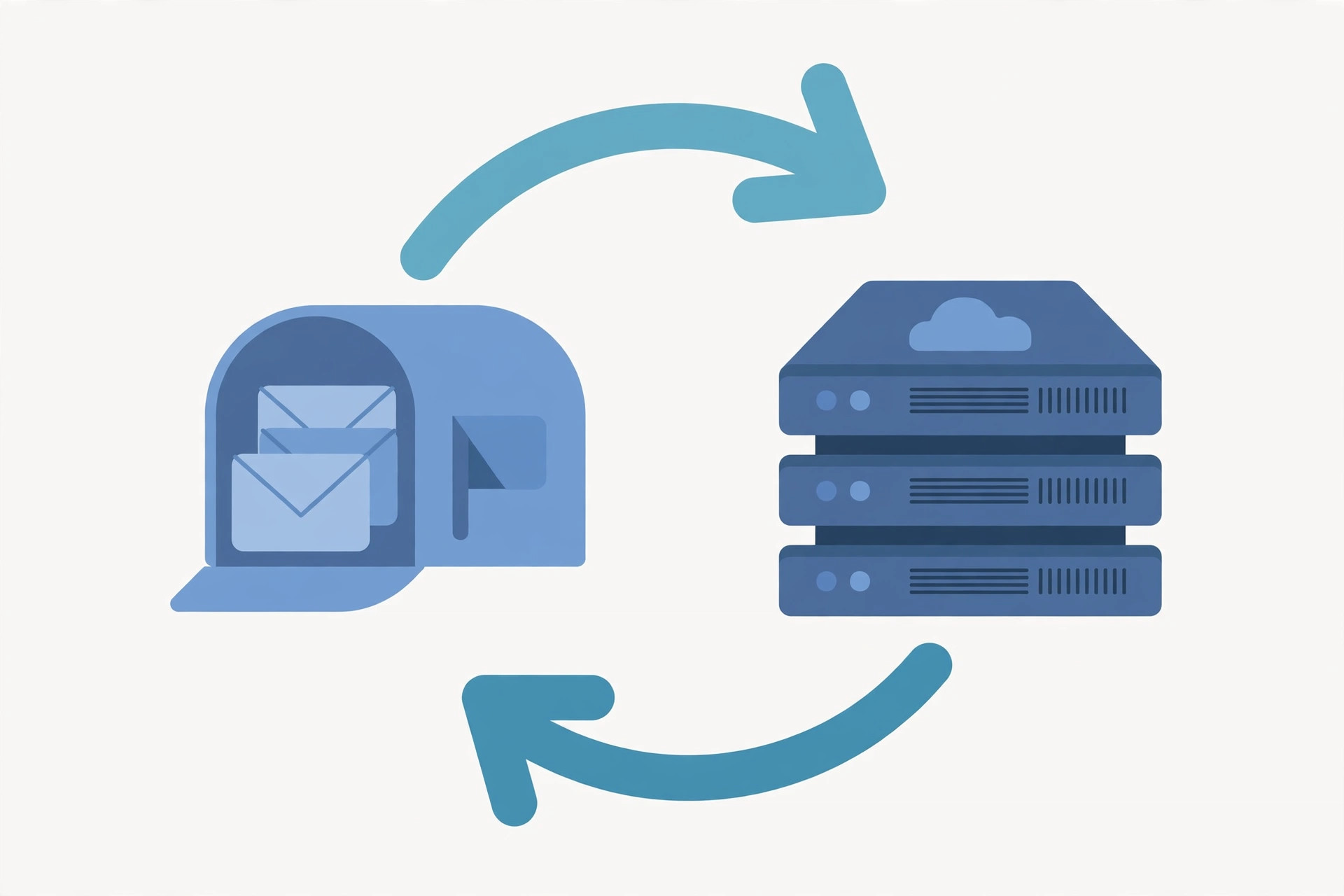
If you send bulk email, an email feedback loop is one of the most important sender-reputation tools you can set up. Simply put, an email feedback loop (FBL) is a service offered by mailbox providers that forwards a copy of a spam complaint back to the sender whenever a recipient clicks “Report spam” or “This is junk” on your message. Instead of guessing which subscribers are unhappy, you get a direct signal — and that signal lets you remove complainers before they damage your sender reputation.
What Is an Email Feedback Loop?
A feedback loop is an arrangement between an email sender and a mailbox provider (ISP). When you register for a provider's FBL program, the provider sends you an Abuse Reporting Format (ARF) message each time one of your emails is flagged as spam by a recipient. The ARF report includes the original headers and body of the offending message, so you can identify the sender identity (the “From” address, the sending IP, the campaign) that triggered the complaint.
Not every provider forwards complaints the same way. Gmail, for example, only reports complaints in aggregate through Google Postmaster Tools, while Yahoo, Microsoft (Outlook/Hotmail), and several smaller ISPs offer traditional per-complaint feedback loops. For a serious sender, enrolling in every available email feedback loop is a basic deliverability requirement.
How Feedback Loops Work
The mechanics of a feedback loop are straightforward:
- You register your sending IPs and domains with the ISP's FBL program and provide an abuse or postmaster address to receive reports.
- A recipient clicks “Report spam” on one of your messages in their mailbox.
- The ISP forwards an ARF report to your designated address, containing the full original message plus a machine-readable complaint header.
- You process the report — usually automatically — identify the recipient, and suppress them from future mailings.
The whole cycle can happen in minutes. The point is speed: every complaint you process quickly is one fewer complaint counted against your domain and IP reputation by the ISP's spam filters.
What an ARF Complaint Report Looks Like
An ARF report (RFC 5965) is a MIME message with a human-readable summary, a machine-readable section (Feedback-Type: abuse), and the original message attached. Most deliverability tools, including PowerMTA, can parse FBL reports automatically so you never have to read them by hand.
Major ISP Feedback Loops You Should Join
Here are the programs worth enrolling in, roughly by volume of complaints they generate:
- Microsoft JMRP (Junk Mail Reporting Program): covers Outlook, Hotmail, Live, and MSN. Registration is done through the Microsoft SNDS/JMRP portal and requires a valid postmaster address.
- Yahoo Complaint Feedback Loop: covers Yahoo and AOL mailboxes. Yahoo's program requires DKIM signing, so make sure your authentication is in place before applying.
- Gmail: no traditional FBL, but Google Postmaster Tools shows your spam rate (the percentage of messages marked as spam). Keep it below 0.1% — ideally under 0.05%.
- Others: providers like Comcast, XS4ALL, and regional European ISPs run their own smaller loops. If a meaningful share of your list sits on one of them, enroll.
Bulk-sender rules now make complaint monitoring effectively mandatory: both Gmail and Yahoo require senders of 5,000+ daily messages to keep spam rates under 0.3% and enforce it with DMARC. A feedback loop is how you stay inside those limits.
Why FBL Complaints Hurt Deliverability
Spam complaints are among the strongest negative signals mailbox providers use. A single complaint per thousand messages is already a warning sign; sustained rates above 0.1–0.3% will start pushing your mail to the spam folder, and high complaint volumes can trigger IP or domain blocks.
Feedback loops protect you in two ways. First, they give you early warning: a sudden spike in FBL reports usually means a new list source, a broken unsubscribe, or an authentication problem — and you can react within hours instead of discovering it after a blocklist listing. Second, they let you scrub complainers automatically. A recipient who reported your mail once will report it again.
How to Register for Feedback Loops
Enrollment steps are similar across providers:
- Set up authentication first. SPF, DKIM, and a DMARC policy are prerequisites for Yahoo and strongly recommended everywhere else. Complaints about unauthenticated mail are also harder to trace back to you.
- Use a working postmaster/abuse address on the domain you register, and confirm you can receive mail there.
- Register each sending IP and domain you use for bulk mail — FBL enrollment is per sending identity, not per company.
- Verify ownership through the provider's portal (DNS record, confirmation email, or web form depending on the ISP).
If you send from a dedicated VPS with its own IP, enroll the server's IP as soon as it is warmed up and sending. Choosing a VPS provider that allows bulk sending and offers clean, non-blacklisted IPs makes registration smoother — and a good mail server setup starts with the right infrastructure. A budget option with open port 25 is RackNerd, and for European sending Contabo is another affordable choice for running your own PowerMTA or Postfix relay.
Best Practices for Handling FBL Data
Collecting feedback loop reports is only half the job. What you do with them matters more:
- Automate suppression. Parse ARF reports and add every complaining address to a global suppression list immediately. Never mail them again.
- Monitor complaint rates per campaign. A spike after a specific send tells you exactly which content, subject line, or list segment caused it.
- Fix the root cause. If complaints cluster on one signup source, fix the source (bad list, misleading subject lines, no confirmation). If they cluster on a segment, clean it or re-permission it.
- Make unsubscribing easier than complaining. A visible one-click unsubscribe and a list-unsubscribe header will always beat an FBL report. Many complaints come from people who simply could not find the unsubscribe link.
- Combine with blocklist monitoring. FBL complaints and blocklist listings are two sides of the same coin — watch both, especially if you are warming a new IP.
One common mistake: treating the email feedback loop as a list-cleaning tool after the fact. It works best as a tripwire — the complaint rate trend is the metric that matters.
Key Takeaways
- An email feedback loop forwards spam complaints from mailbox providers back to you as machine-readable ARF reports.
- Enroll every sending IP and domain with Microsoft JMRP, Yahoo's complaint loop, and monitor Gmail's spam rate in Postmaster Tools.
- Automatically suppress every address that generates an FBL report — a repeat complaint does far more damage than the first.
- Treat complaint-rate spikes as a diagnostic: they reveal bad list sources, broken unsubscribes, and authentication failures within hours.
- Keep Gmail/Yahoo bulk-sender spam rates under 0.3% (and under 0.1% for safety) to stay out of the spam folder.
- Make unsubscribing one click away — most complaints are failed unsubscribes.
Related Guides
- How to Install PowerMTA on Ubuntu 24 — set up a mail server that can parse and act on FBL reports automatically.
- Best VPS Providers with Open Port 25 — pick clean-IP infrastructure for your sending servers and FBL enrollment.
- How to Install Zimbra Mail Server on CentOS 7 — a full mail stack with proper authentication for better deliverability.